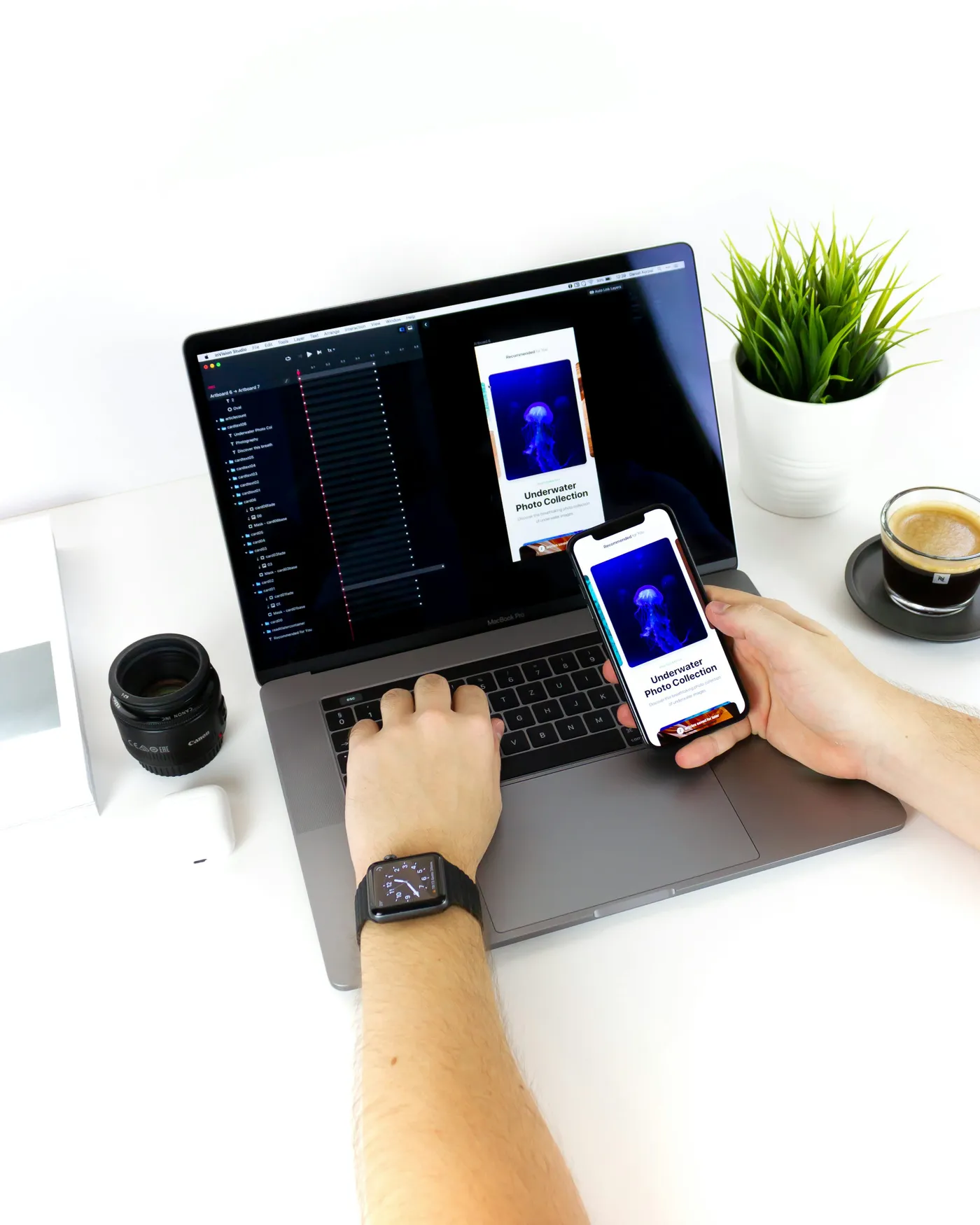
A business app may need photographs of equipment, a completed installation or a damaged item. The useful result is not simply an image file. It is a readable, correctly associated record that the intended reviewer can access. Define that result before asking an agency to add camera capture.
Related service: Mobile application development- 01Open the relevant task
- 02Guide and preview the photo
- 03Confirm its association
- 04Upload and show receipt
SECTION 01
Define a useful image, not maximum resolution
Explain what the reviewer must see: a serial label, an overall installation or a particular defect. Include examples of acceptable framing and common failures. Decide whether users may select existing images or must capture within the workflow; that choice affects convenience and evidence limitations, but does not by itself establish authenticity.
Android's camera documentation exposes capture success and failure and distinguishes quality and latency choices. Ask the agency to test the selected approach on actual supported devices. Higher resolution can increase storage and transfer work without improving a poorly framed image. Compression should preserve the details needed for the business decision.
SECTION 02
Illustrative example: documenting a replacement part
A technician opens a replacement task and takes an overall equipment photo plus a close-up of the part label. The preview reveals glare across the identifier, so they retake only the close-up. The app preserves the task association and clearly identifies which image will be replaced.
Connectivity drops after capture. The task shows two photos saved locally and awaiting upload, not evidence received. Once the server confirms both, the reviewer can open them from the same task. This hypothetical scenario separates image capture, transfer and business review rather than treating them as one successful button press.
SECTION 03
Test recovery and access as well as the camera
Include denied permission, low device storage, rotation, a canceled retake and returning from another app. Verify the user can distinguish a saved local image from a completed attachment. OWASP's file-upload guidance supports validating files at the server even when the app created them through a controlled camera interface.
At handoff, request image-size rules, local cleanup behavior, task-linking logic and evidence of device tests. Define retention and access with the business owner; avoid collecting unnecessary location metadata. A simple guided capture flow may be more reliable than automatic visual judgment when the first release only needs staff to provide clear evidence for a human reviewer.
SECTION 04
Frequently asked questions
Does a camera photo prove a job was completed?
Not by itself. State what the image actually shows and combine it with the approved workflow evidence rather than overstating authenticity.
Should photos also appear in the device gallery?
That is a product and privacy decision. Specify storage behavior so sensitive business images are not exposed unintentionally.
Can upload continue after leaving the screen?
It can be designed to, subject to platform limits. Show durable status and recovery behavior rather than assuming background execution always completes.
PRIMARY REFERENCES
Sources and further reading
These references cover the standards, platforms, or published prices discussed in the guide. Worked examples and checklists are our editorial guidance.
- Capture an imageAndroid Developers
- File Upload Cheat SheetOWASP
EDITORIAL METHOD
About this guide
We use AI to assist with drafting and editing. Catapult AI Work is responsible for the published content. Examples illustrate possible approaches; they are not client case studies unless identified as such.
Budget examples are not Catapult package prices. Check linked provider pages for current fees and plan limits before making a purchase.
Read the editorial policy