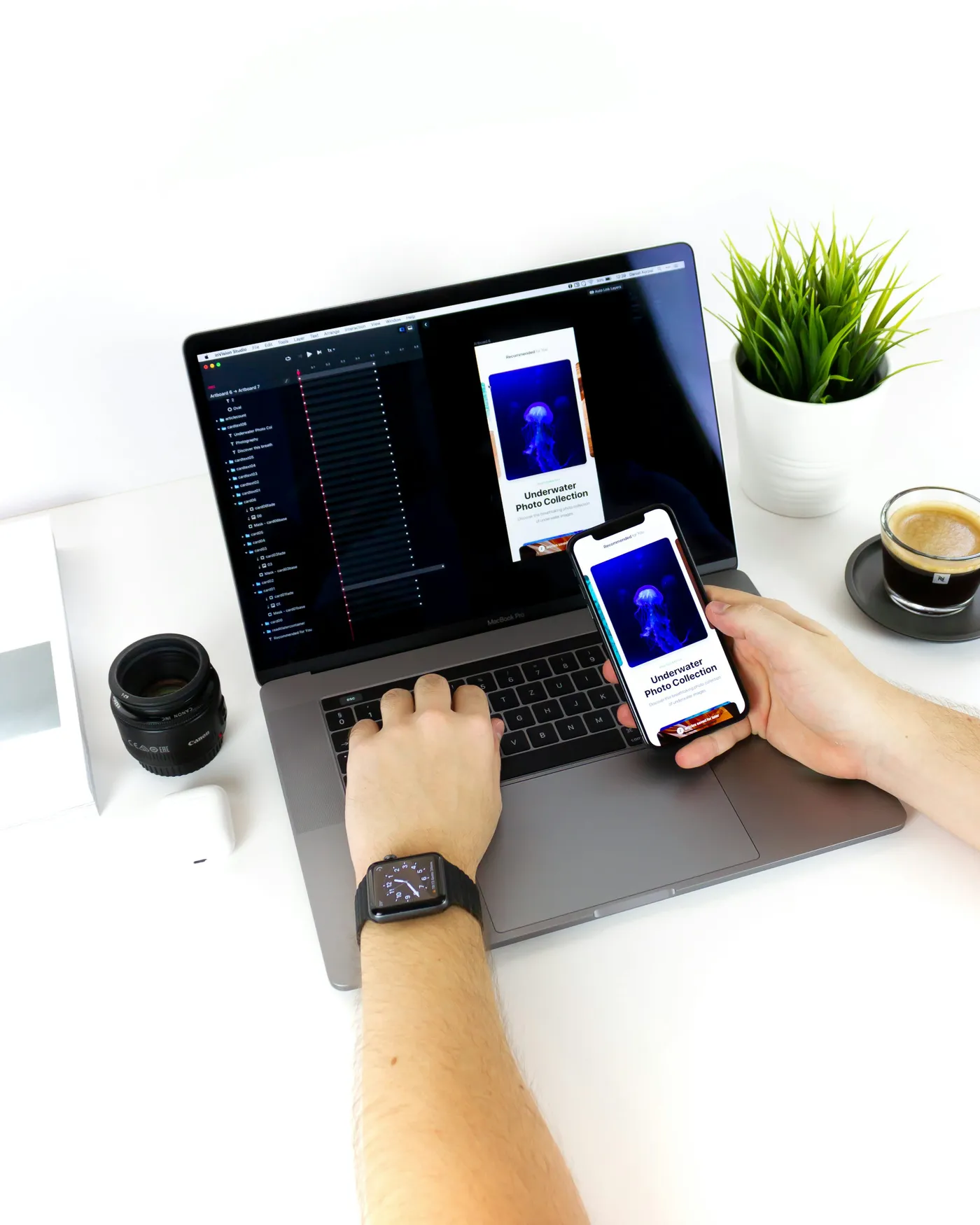
A splash screen disappearing quickly does not mean an app is ready to use. The user may still be waiting for sign-in, assignments or a blocked control. A performance brief needs a clear definition of useful startup and realistic test conditions.
Related service: Mobile application development- 01Define the first useful task.
- 02Measure launch states consistently.
- 03Trace blocking initialization and requests.
- 04Move or reduce unnecessary work.
- 05Retest readiness and failure behavior.
SECTION 01
Agree what the stopwatch includes
Describe cold launch, a return to an already running app and a launch after sign-in expires. Record the build, device, data size and network conditions. Android distinguishes time to initial display from time to full display; that distinction helps prevent a fast-looking placeholder from becoming the entire success metric.
Choose the user's first meaningful action, such as opening today's jobs or searching the catalog. Separate necessary authentication and data retrieval from optional analytics, decorative assets or background refreshes. A slow network request may dominate task readiness even when local screen rendering is quick. Ask for traces and repeatable measurements instead of a single favorable screen recording.
SECTION 02
Illustrative example: a field app at the start of a shift
Suppose a worker opens an app to see assigned visits. The current launch downloads an entire historical catalog before showing today's list. A proposed change loads the minimum authorized assignment data first and schedules less urgent work separately. The worker sees accurate loading and failure states rather than a frozen branded screen.
If a cached list is shown, identify its freshness and verify that it belongs to the active account. A faster display that shows yesterday's private records to a different user is not an acceptable improvement. This hypothetical example frames startup optimization as a combination of sequencing, correctness and user feedback.
SECTION 03
Test the tradeoff after moving work
Android's background-work guidance explains that deferred tasks still face execution and resource constraints. Moving a task out of startup does not make it free or guarantee that it runs immediately. Check battery, network and later interaction costs, and avoid turning the first tap after launch into a new long wait.
Ask the agency for before-and-after measurements under the same test plan, plus behavior when the server is unavailable or the local cache is empty. Include a clean installation and an upgraded installation with realistic data. Set a project-specific performance target after measurement; an unsupported universal speed promise is less useful than a demonstrated improvement on the devices your customers actually use.
SECTION 04
Frequently asked questions
Is a faster splash screen enough?
No. Measure when the user can perform the first useful task, including required authentication and data readiness.
Can everything load in the background?
Only nonessential work can be deferred safely, and the platform still controls background execution. Required data needs an honest loading or offline state.
What should a performance proposal include?
A baseline, supported test conditions, the work being changed, an agreed target and repeatable verification of correctness as well as speed.
PRIMARY REFERENCES
Sources and further reading
These references cover the standards, platforms, or published prices discussed in the guide. Worked examples and checklists are our editorial guidance.
- App startup measurementsAndroid Developers
- Background work overviewAndroid Developers
EDITORIAL METHOD
About this guide
We use AI to assist with drafting and editing. Catapult AI Work is responsible for the published content. Examples illustrate possible approaches; they are not client case studies unless identified as such.
Budget examples are not Catapult package prices. Check linked provider pages for current fees and plan limits before making a purchase.
Read the editorial policy